OrganisationDefineAdmins
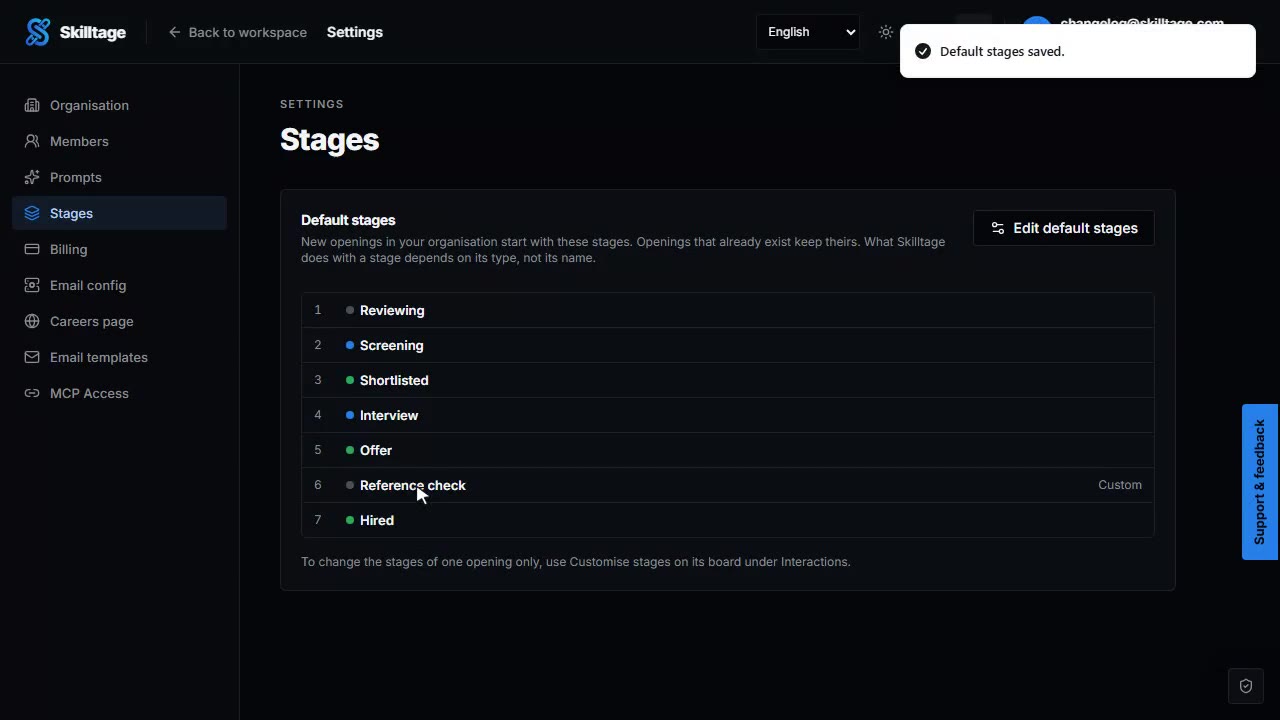
Choose the stages every new opening starts with
Owners can now set your organisation's default stages. Every new opening starts with a copy, and openings that already exist keep their own stages.
See how it worksEach change that reached customers, with a short recording of how it works in the product.
Follow updates in a feed readerOwners can now set your organisation's default stages. Every new opening starts with a copy, and openings that already exist keep their own stages.
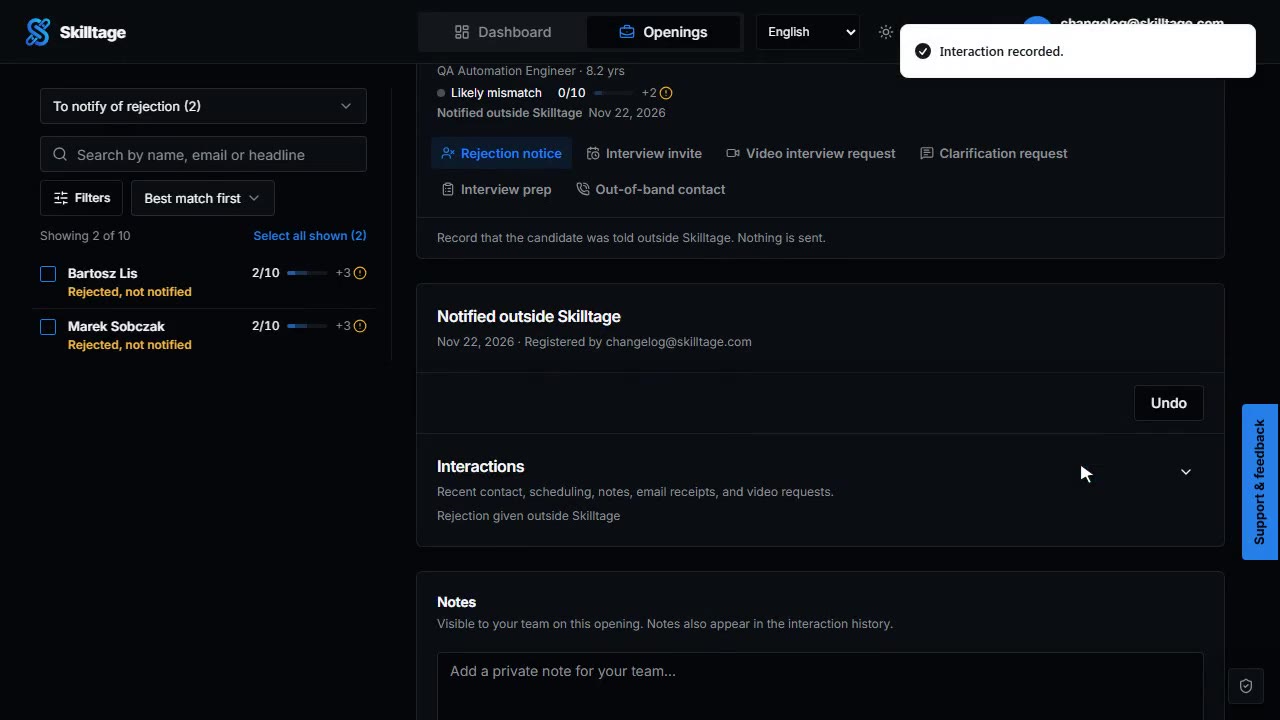
See how it worksTold a rejected candidate yourself? Mark them as notified outside Skilltage, with an optional note. Nothing is sent to them, and you can undo it.
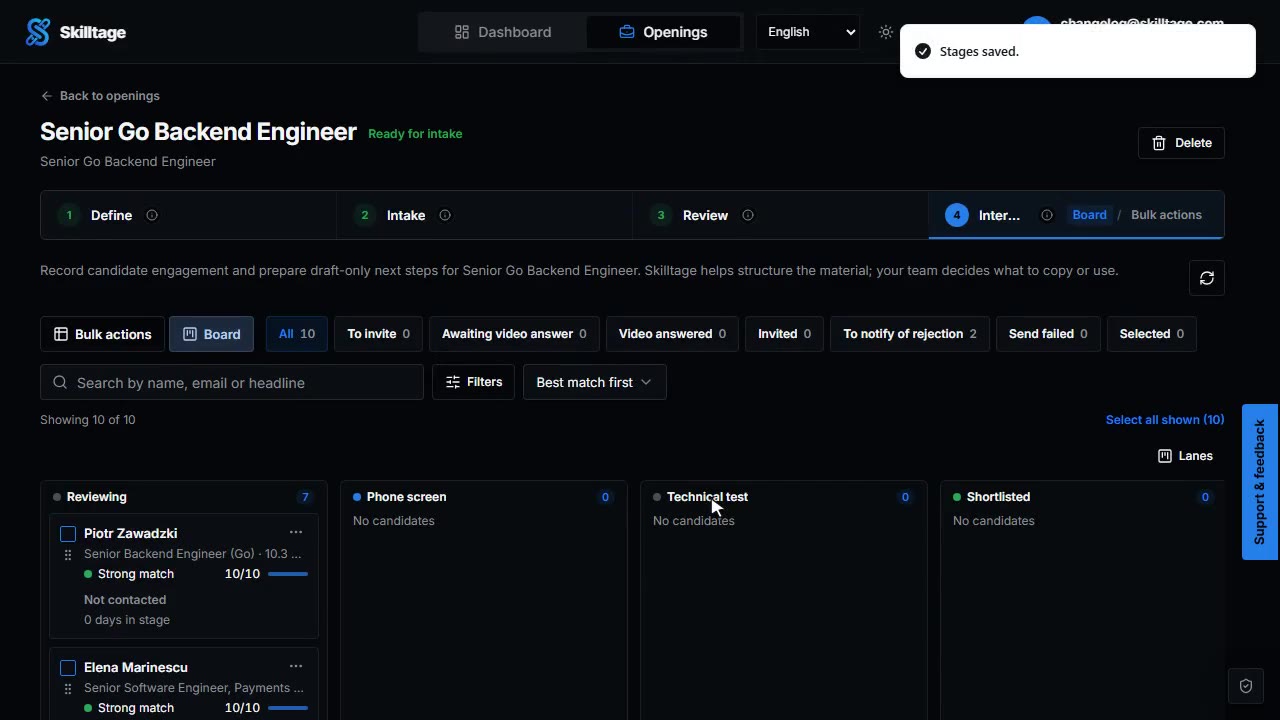
See how it worksRename, reorder, add and remove an opening's stages from its board. Skilltage acts on a stage's type, so your own names never change what it does.
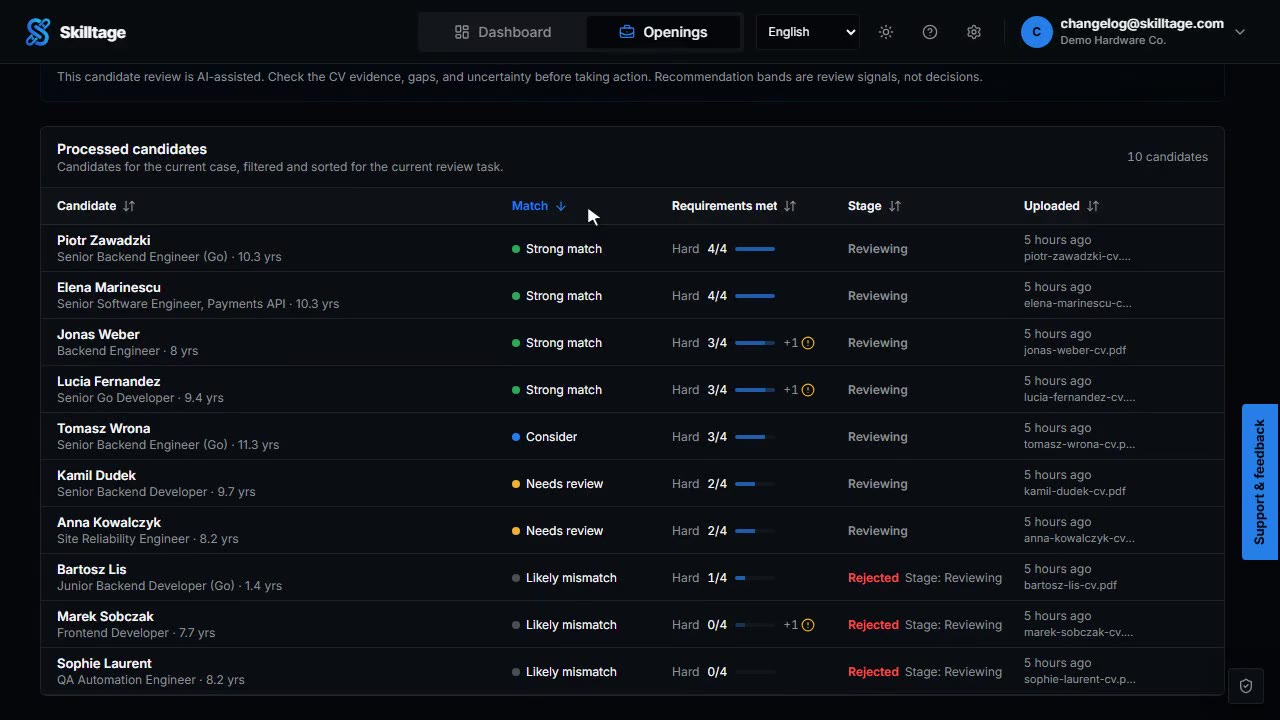
See how it worksClick a column header in Review to sort candidates by name, match, requirements met, stage or upload date. Click it again to reverse the order.
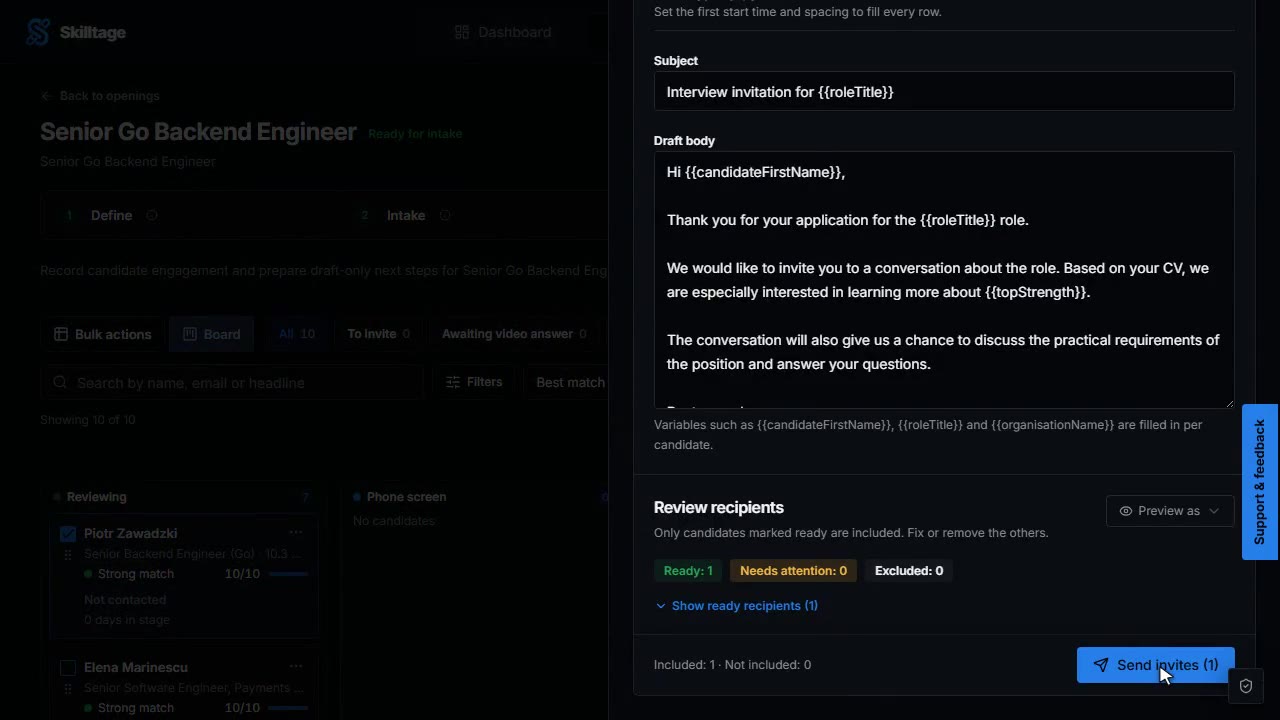
See how it worksInterview invites no longer need a candidate to be shortlisted first. Any active candidate can be invited, and which stage comes first is up to you.
See how it works